🔑 How to Log in to Your WHMCS Client Area
Your WHMCS Client Area is where you can manage all your hosting services, domains, billing, and support tickets in one place. Follow these simple steps to log in securely:
🧭 Step by Step Guide
Step 1: Visit the Client Area
Go to: https://collecthost.com
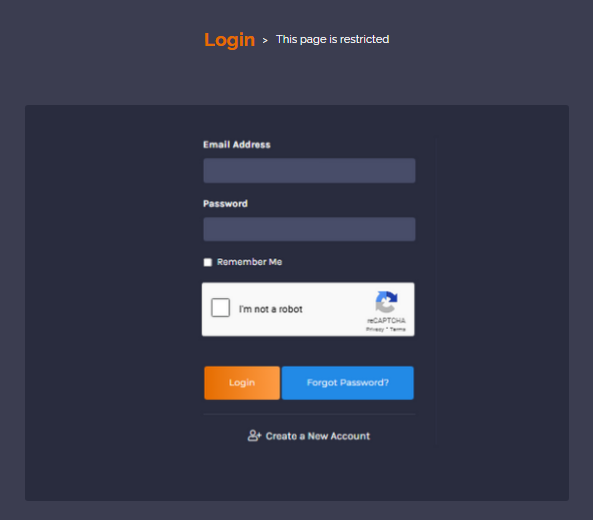
You’ll see the CollectHost Client Area login page as shown below:

Step 2: Enter Your Credentials
- Email Address: The one you used during registration
- Password: The password you created when signing up
If you forgot your password, click “Forgot Password?” to reset it.
Step 3: Click on “Login”
After entering your email and password, click the Login button.
Once logged in, you’ll see your Client Dashboard as shown below:
- View active services & domains
- Pay or view invoices
- Open support tickets
- Manage hosting and DNS settings
🔐 Security Tips
- Always make sure the URL starts with https://
- Log out after completing your tasks
- Never share your login credentials with anyone
💬 Need Help?
If you face any login issues, contact our support team via: Submit a Support Ticket